



If you're currently working within the partnership or affiliate marketing space... then you've come to the right place. Affiliate Summit run the biggest affiliate marketing events in the world that are aimed at empowering affiliates, advertisers, ecommerce sellers, content publishers, networks and tech suppliers.
WELCOME
Step Forward
Affiliate Summit East
On July 29 - July 30, 2024, join 3,500 of the best ecommerce sellers, affiliates, media buyers, networks and tech suppliers at the original performance marketing event that brings ambitious and innovative business leaders together. You’ll attend cutting-edge talks and access to next-level networking to help drive your business forward in the most competitive online environment ever.
Affiliate Summit West
On February 3 - 5, 2025, 6,500 affiliates, advertisers, ecommerce sellers, networks, and tech suppliers will gather at the biggest affiliate marketing event in the world, Affiliate Summit West, so that they can build better partnerships. ASW puts affiliates first. Unlike our competitors, we won’t charge you a cent to attend because we know you’re the heart and soul of the industry.
Our Customers






Believe The Hype
Don't take our word for it - past Affiliate Summit attendees are still raving about it!
-
“We continue to attend Affiliate Summit events as they provide a great opportunity to catch up with existing partners, as well as forging new partnerships.”
-
"I love attending Affiliate Summit so I can get to network with clients new and old, and learn about what's happening in our industry."
-
"If there is a better way of meeting thousands of partners in 3 days... then I've yet to find it."
-
"What is unique about this place is that every single person here wants to connect and have a conversation. And that's an amazing opportunity for any business."
-
“TopCashback have been attending Affiliate Summit West for a number of years and it's now a key conference for us. There is always a great mix of advertisers, agencies and networks and often find that the type of attendees is more senior than other conferences we've been to. I highly recommend it and can't wait to visit again.”
-
“Affiliate Summit West is something special. It’s been a cornerstone of affiliate related events I attend and sets the bar for others. I don’t know how they do it but one of the things that makes it so special is the people and attitude of the attendees — people are legitimately excited to talk to you and learn how they can help move you forward, it’s amazing.”
Latest Content
.png/fit-in/500x500/filters:no_upscale())
.png/fit-in/500x500/filters:no_upscale())
.png/fit-in/500x500/filters:no_upscale())
.png/fit-in/500x500/filters:no_upscale())
.png/fit-in/500x500/filters:no_upscale())
)
)
)
Experience
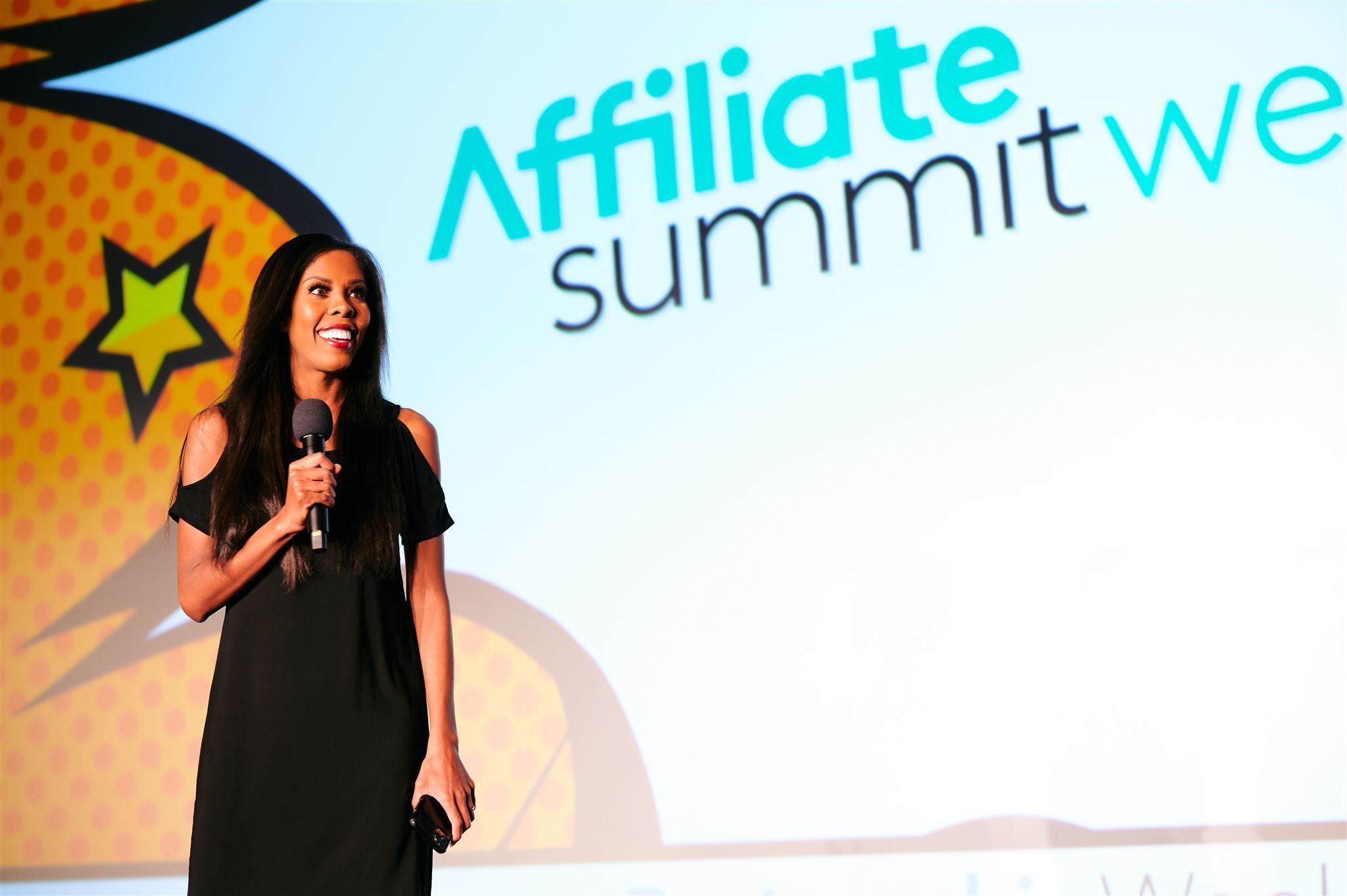
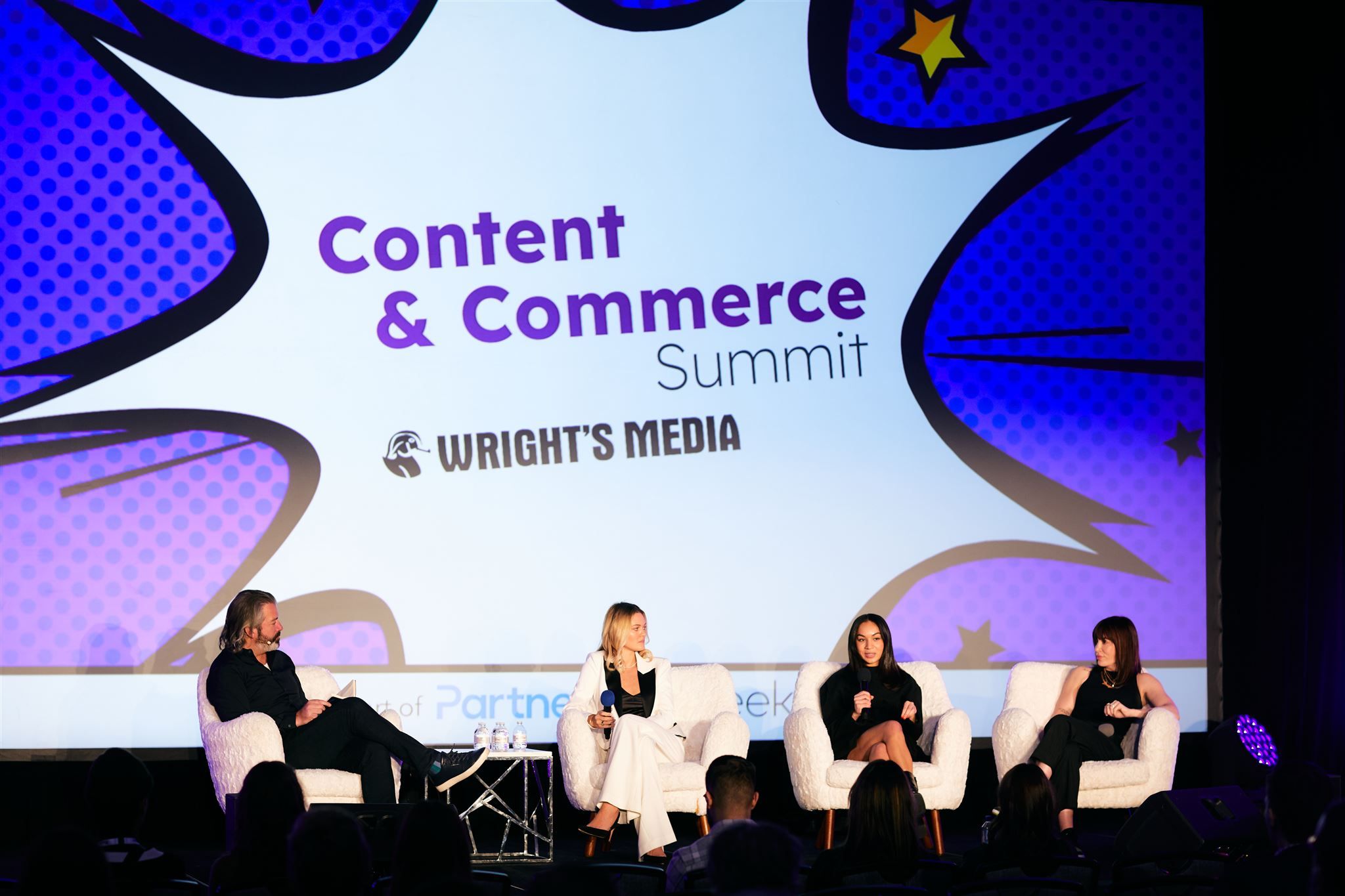
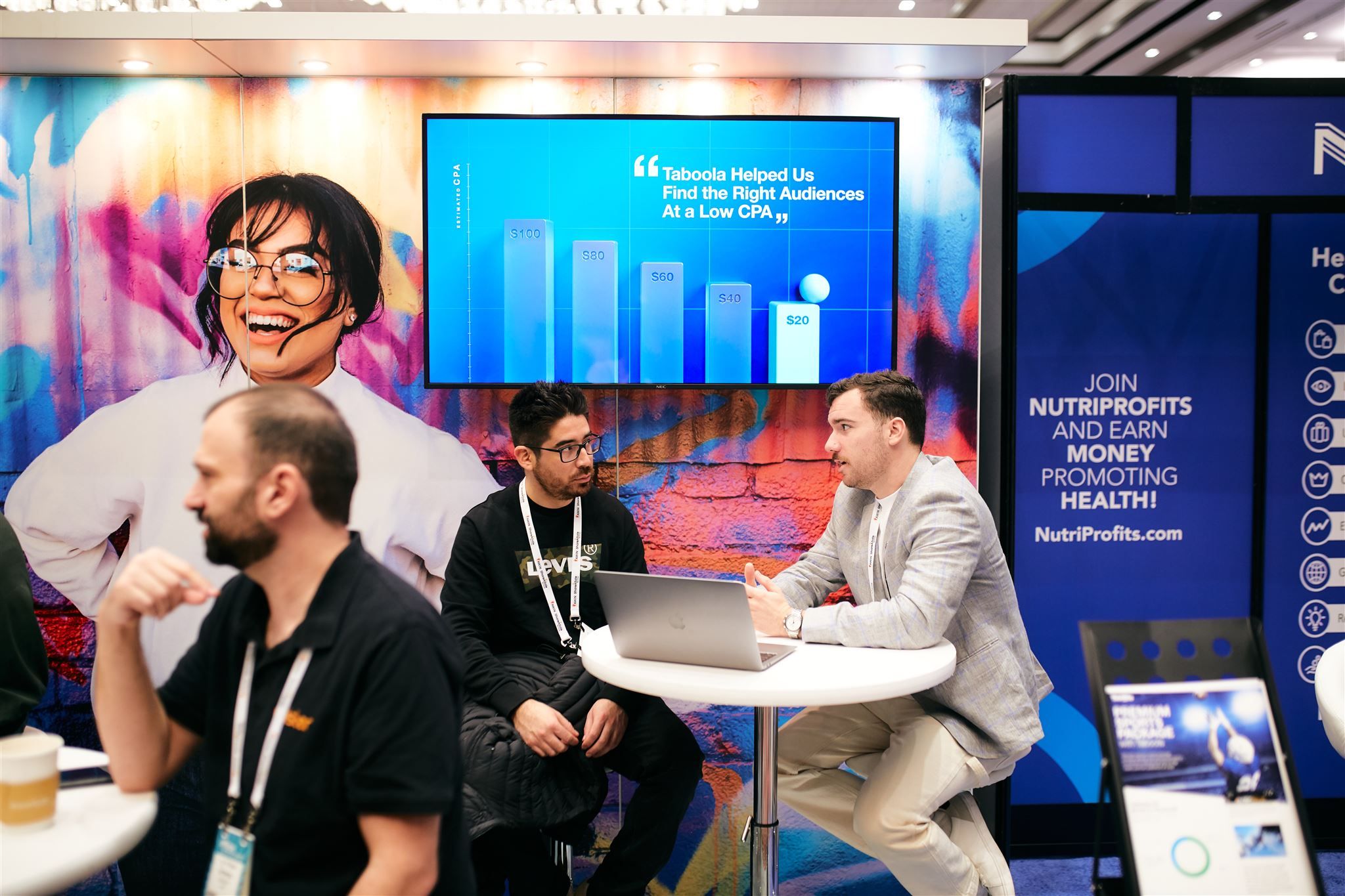
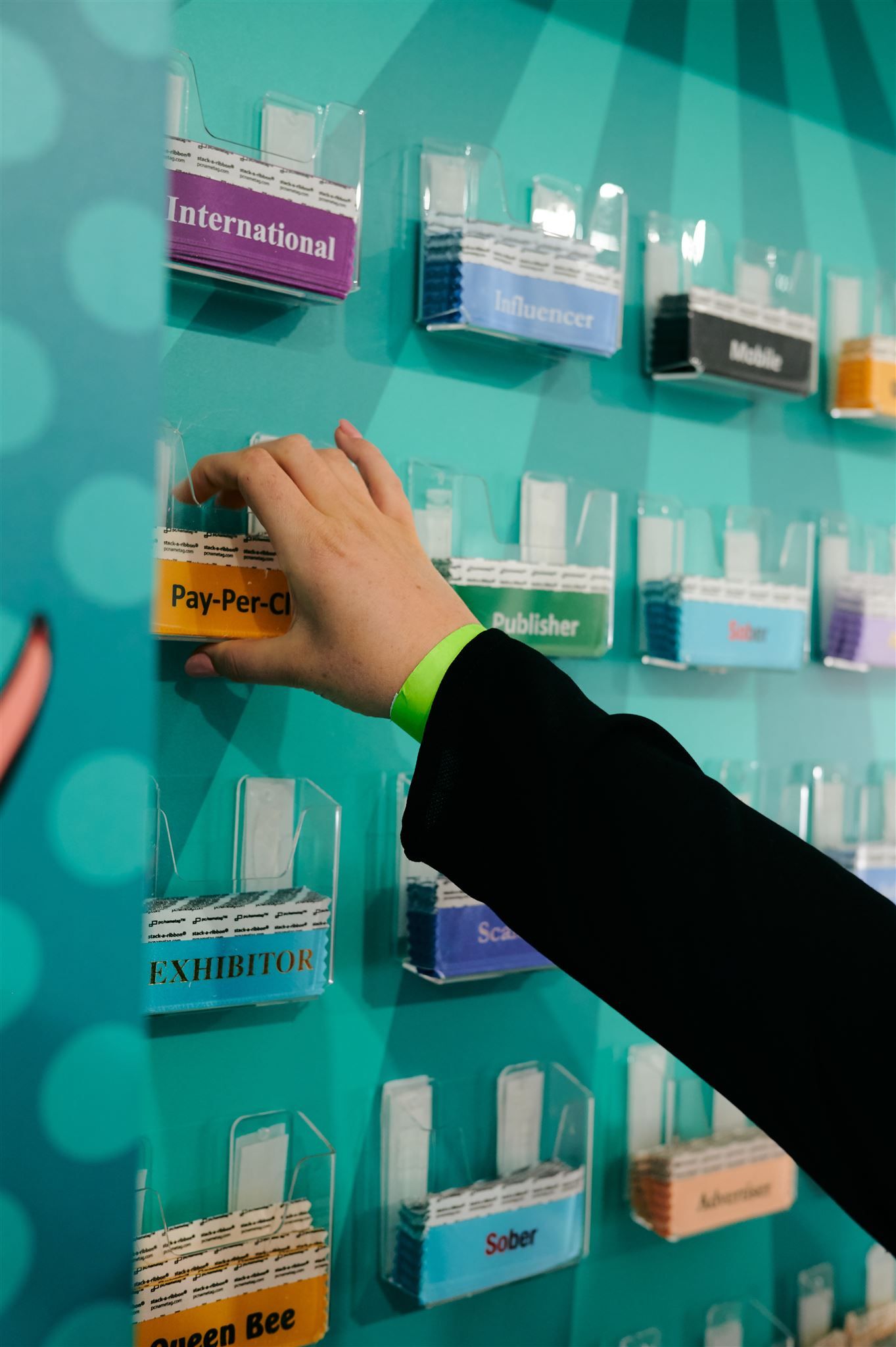
Want to know what it's like to attend an Affiliate Summit event? Click and drag the photos below to explore!
Click and drag to scroll the images
)
)
)
)
)
)
)
)
)
)